
Native Metal
GPU-accelerated dye, vortices and light. No web views, no Electron, just Metal.
An ambient Mac app and screen saver. Quiet, local-first, and beautiful in the dark.
Liquid Glow renders glowing ink moving through dark liquid natively in Metal. It runs as a desktop ambient layer and as a macOS screen saver, then gets out of the way.
GPU-accelerated dye, vortices and light. No web views, no Electron, just Metal.
Signature, Ambient and Vivid. Tune palette, flow speed and depth.
Locked to a calm 30fps. Low Power mode reduces simulation load for laptops.
Download the notarized .saver companion built from the same renderer.
No account. No tracking by default. Your settings stay on your Mac.
Spans multiple monitors, each one carrying its own independent current.
Each preset is a different palette and flow. Switch instantly from the menu bar.
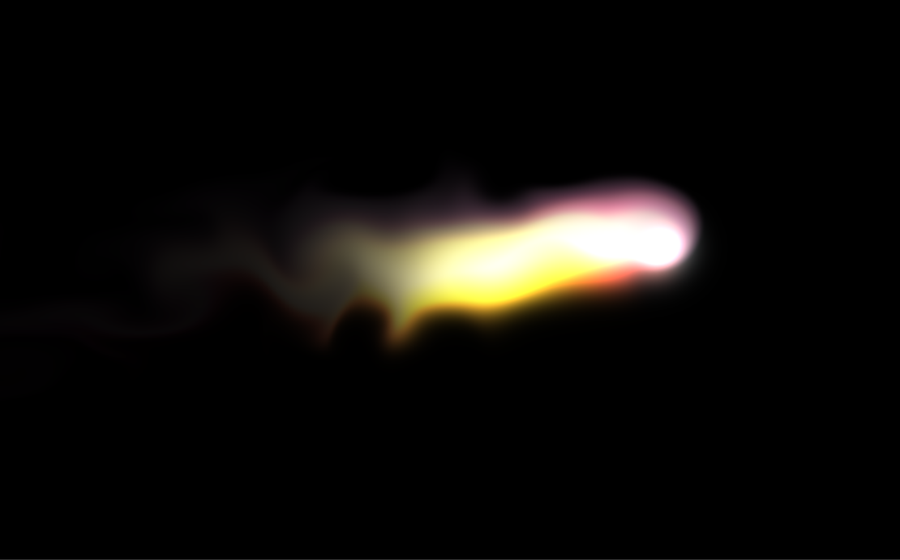
The approved dark, inky default: electric colour, high detail, 1.5x motion.
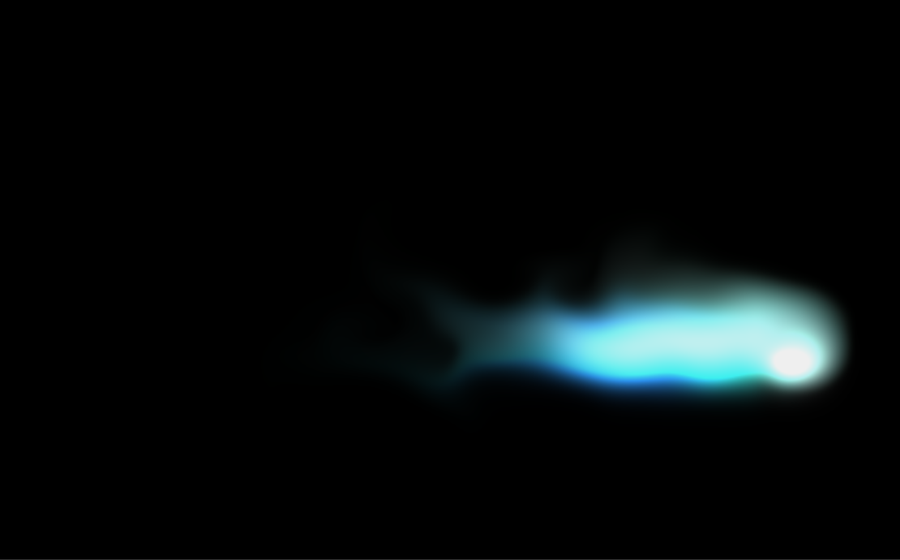
A calmer aurora flow with balanced quality, softer brightness and slower motion.
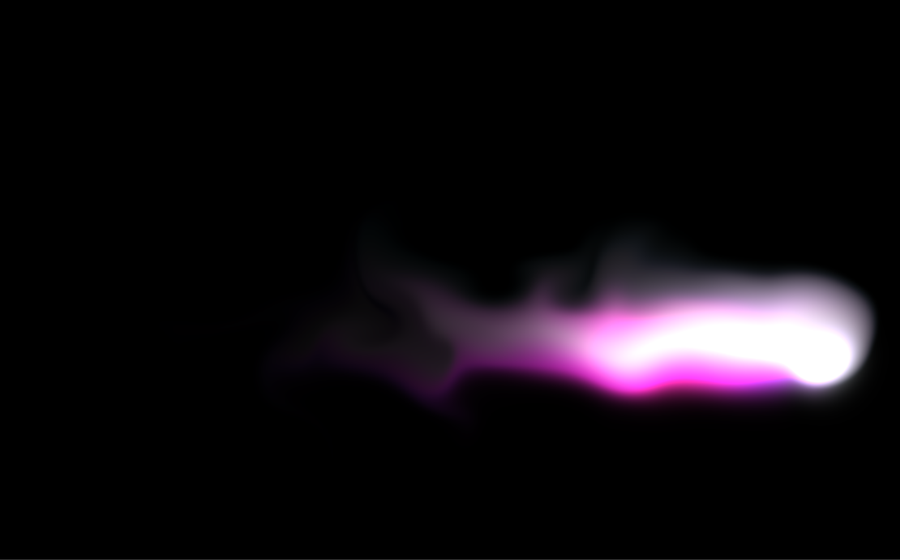
Higher intensity spectral colour with brighter dye and livelier motion.
Preset previews use captured frames from the native Metal renderer.
A deliberately gentle frame rate: ambient, never frantic.
Rendered on the GPU, so the CPU stays free for your work.
Tunable brightness, speed, trail persistence, and a Low Power mode for laptops.
The same renderer also powers a native screen saver companion. Download the notarized installer and choose Liquid Glow in System Settings.
View screen saverLiquid Glow is a visual app, not a service. Presets and settings live locally on your Mac. The app does not need a login and does not upload what you do.
Read our privacy approachLiquid Glow turns idle space into slow-moving colour, without demanding attention.